
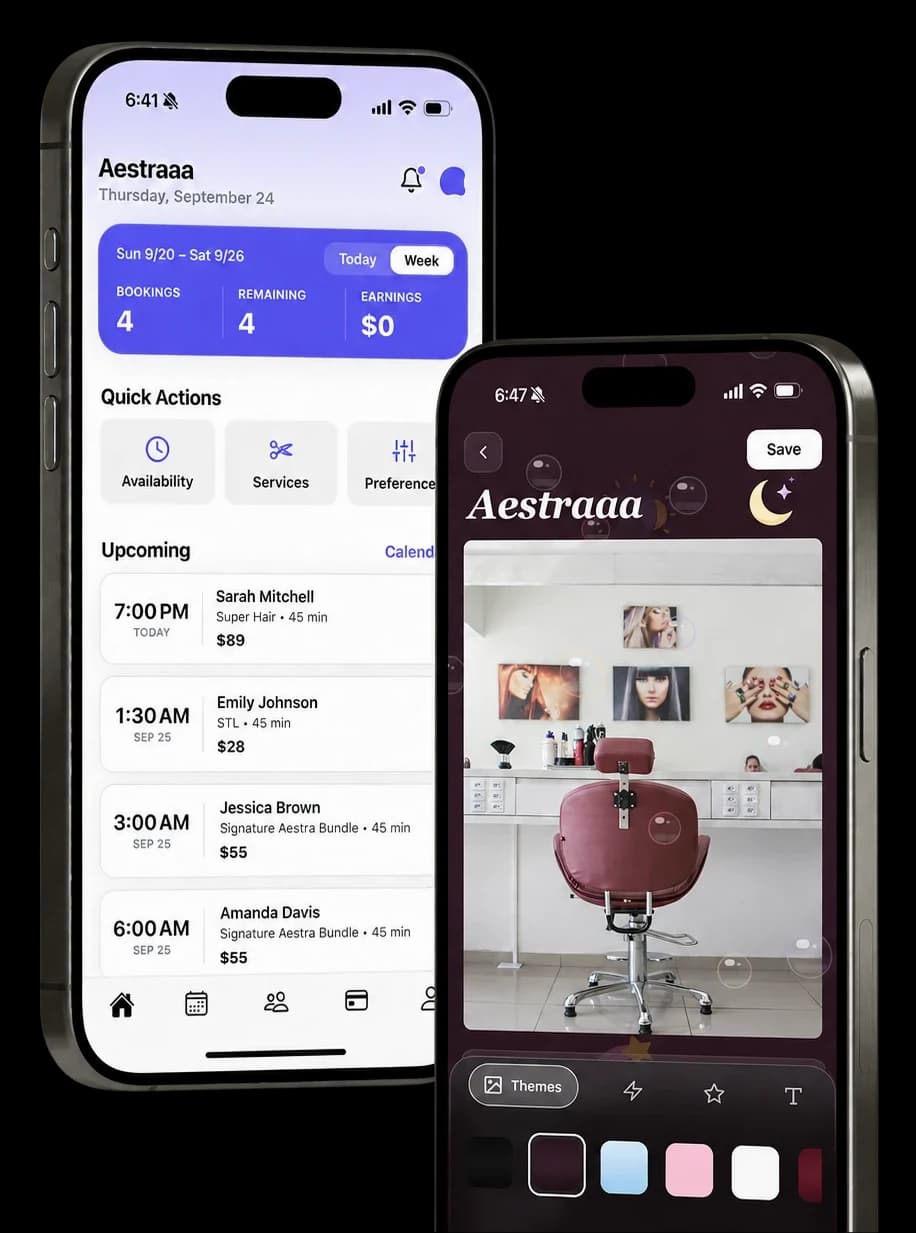
The booking page
Your page, your look
Real pages in the styles artists actually run. Drag or tap to browse. Every one is rendered by the same engine that powers live booking pages.
Get your page live
in four steps
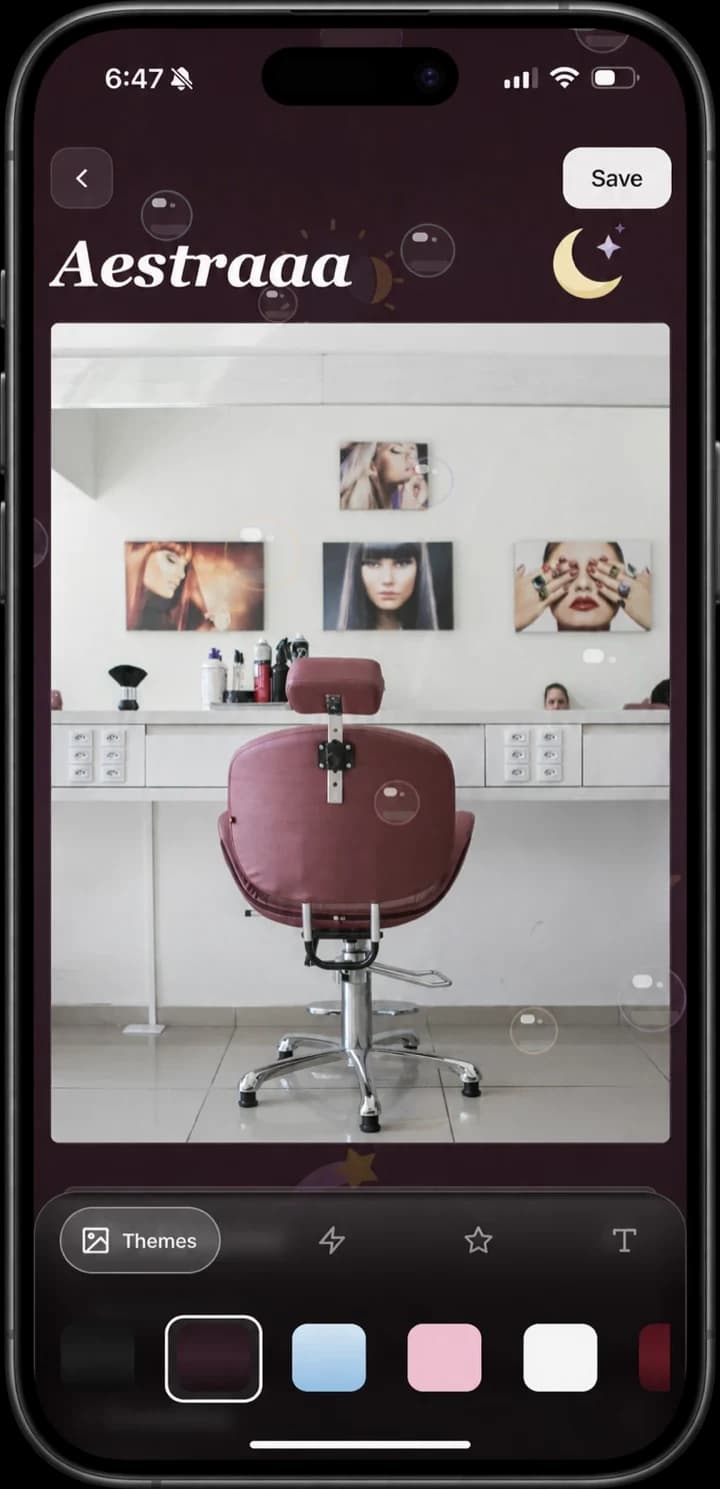
1. Set up your page
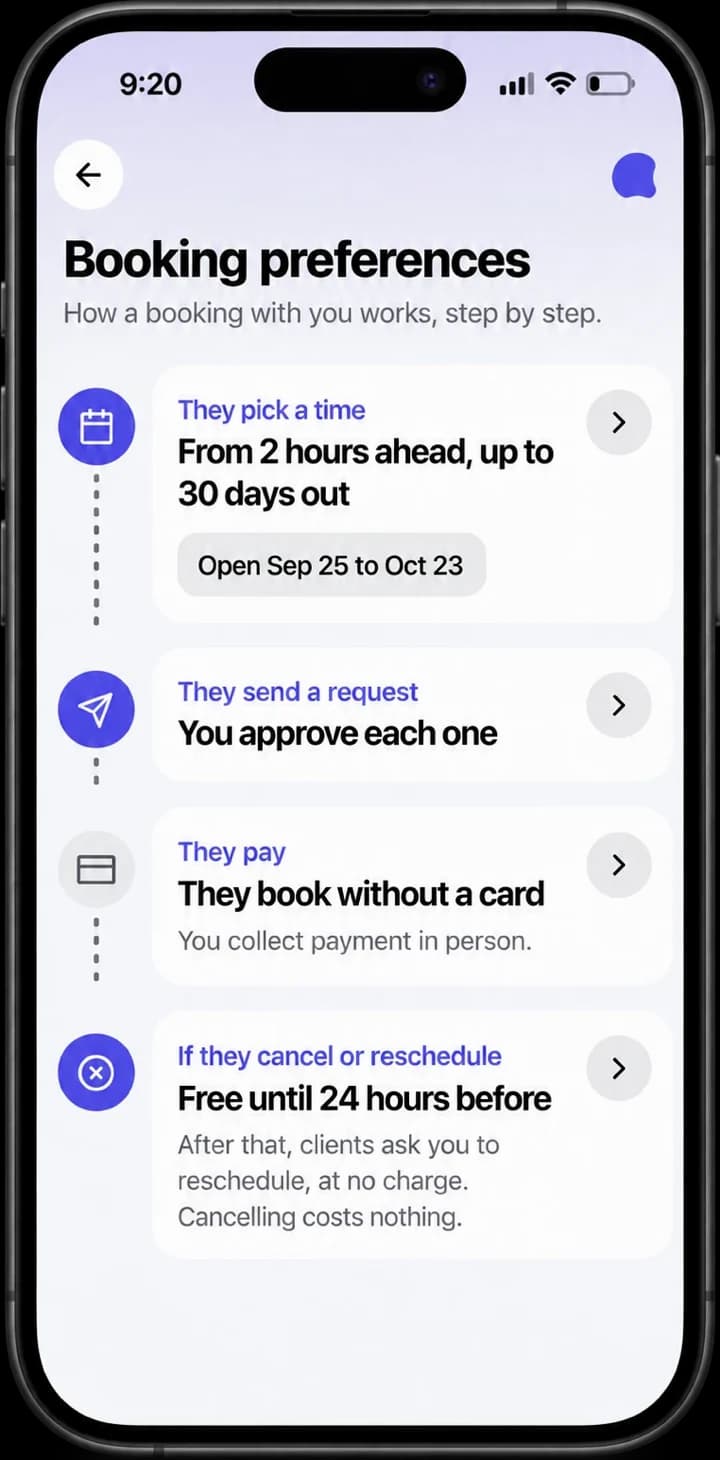
2. Set your preferences
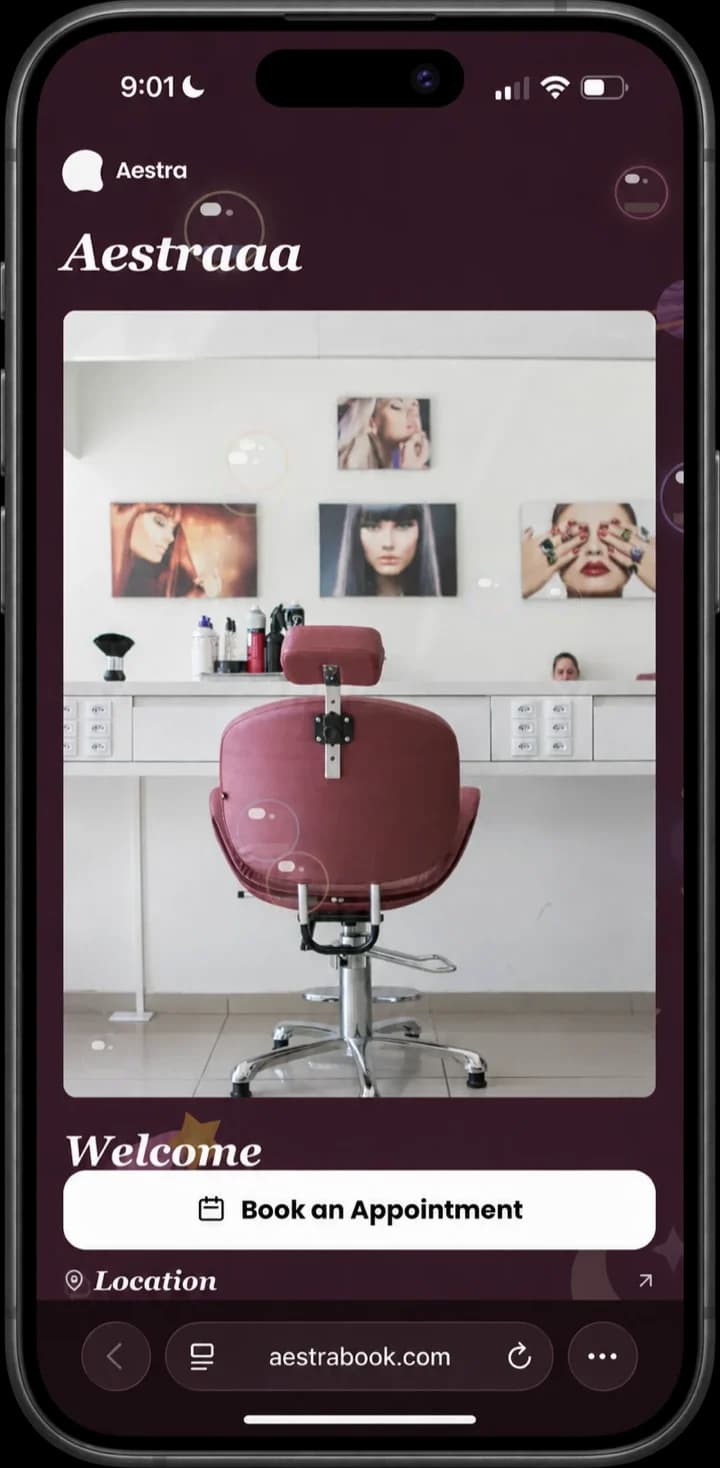
3. Share your link
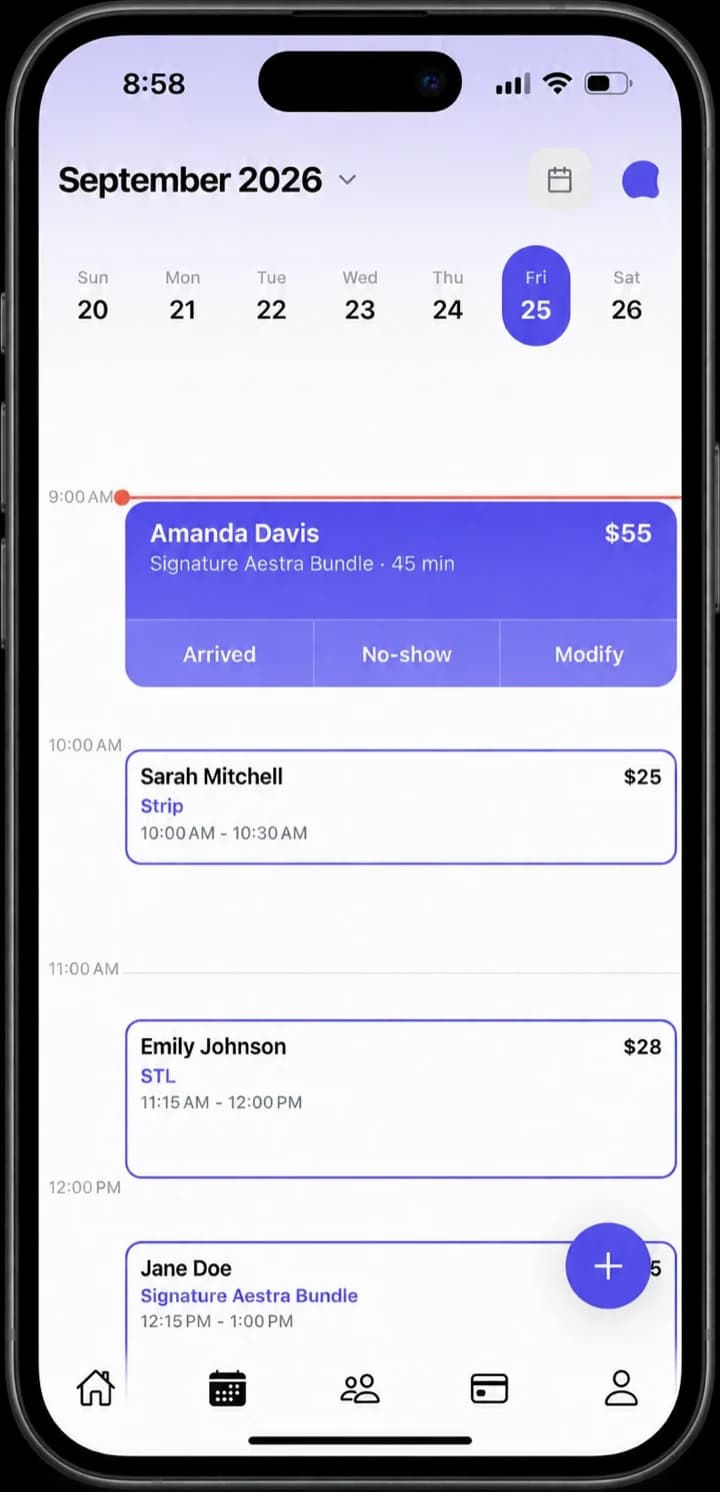
4. Get booked and paid
The toolkit
Serious tools behind a beautiful page
Get paid, stay in control, stay organized.
Get paid
Deposits in, payouts out
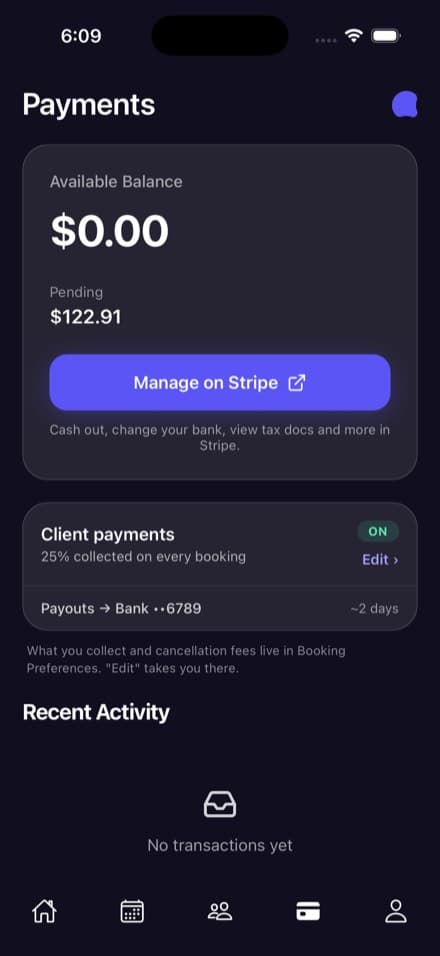
Take a set percentage up front on every booking, then watch it land in your bank a couple of days later. Balance, payouts, and tax docs all in one place.
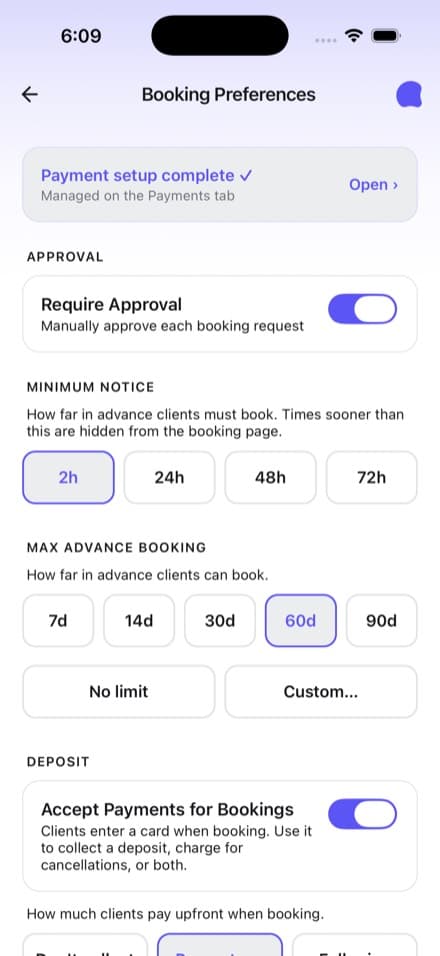
Set a default percentage for every booking, then override it per service: the global amount, a custom percent, or full price up front.
Turn on payment at booking and clients check out through Stripe, so you never touch a card number. On services with no deposit, the card is saved instead, backing the cancellation fee you set.
A late cancel forfeits the deposit. A fully paid booking gives up your cancellation fee from its refund, and when nothing was paid the fee goes on the saved card, no-shows included. Set a deposit or a fee and a blown slot is never free.
Earnings land in your linked bank in about two days through Stripe. Cash out, switch banks, and pull tax docs whenever you need.
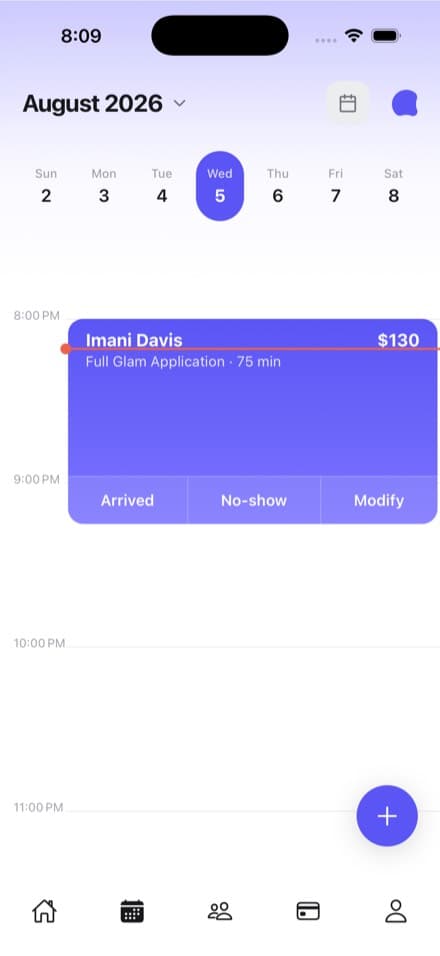
Taking the rest in cash? Mark the booking paid and your records stay straight.
Make your link the best thing in your bio
Download Aestra and give clients a booking page worth screenshotting.
